
"In a rather small executable it brings SSH, public keys, X11-Forwarding, multi-tabs and a graphical SFTP browser." Softonic user, 2012.
MobaXterm
A Windows terminal that includes an X11 server, a tabbed SSH client, and the usual network tools
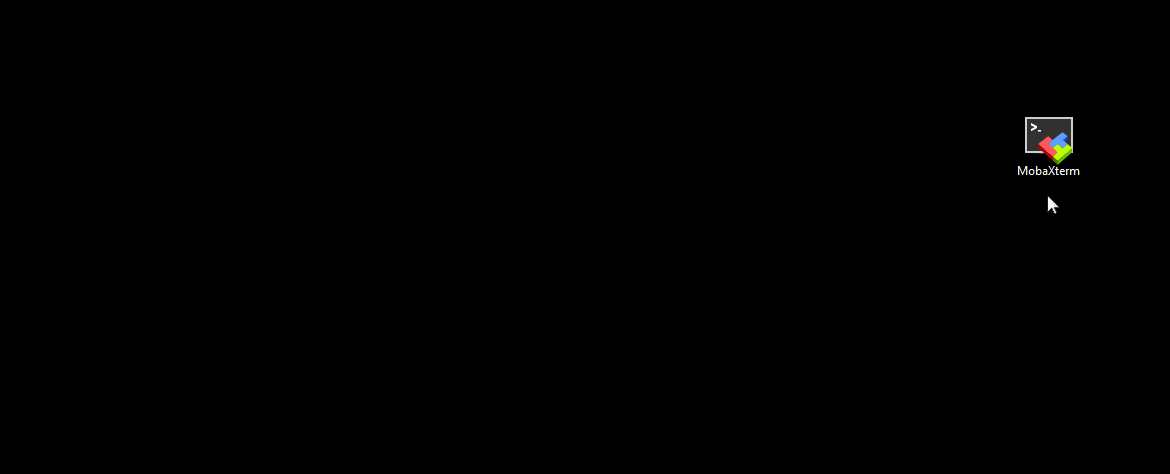
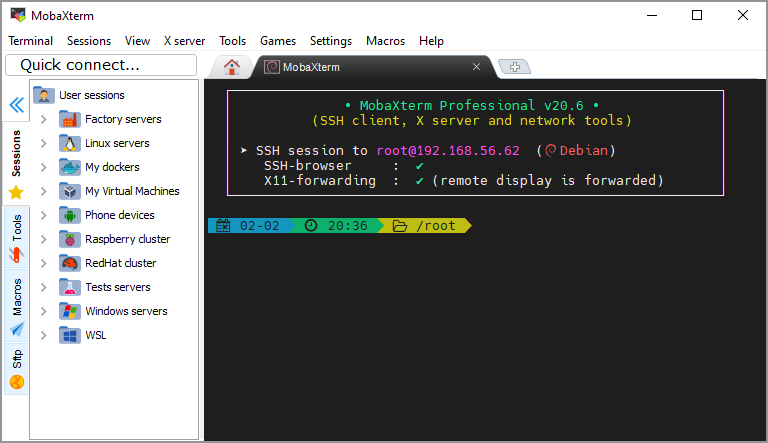
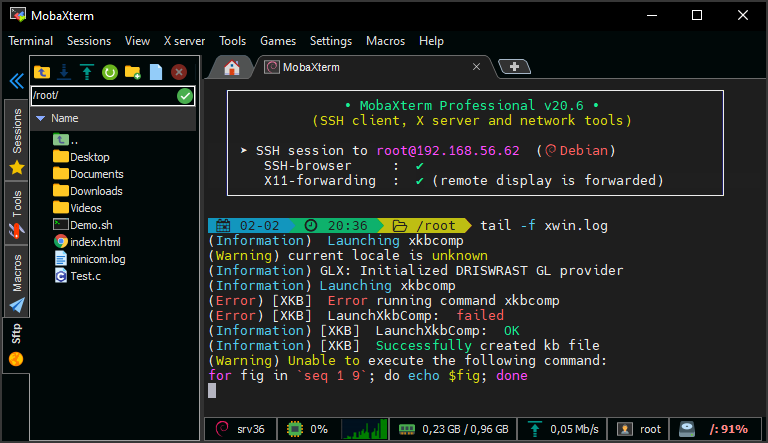
MobaXterm on Windows: X server and SSH client in one program
Home Edition v26.5 · released 2026-09-11 · Windows 10 / 11 · Portable or Installer
X server and SSH on Windows
MobaXterm is a Windows toolbox for remote work. One program covers the jobs that programmers, webmasters, and IT admins usually split across several clients.
It includes the network tools people open every day (SSH, X11, RDP, VNC, FTP, MOSH, Telnet, Rlogin) and Unix commands (bash, ls, cat, sed, grep, awk, rsync) in one portable exe. No extra runtime is required.
An SSH login opens a graphical SFTP browser so you can edit remote files. Remote X11 apps can draw on the Windows desktop through the built-in X.org server. Home Edition is free on a personal PC. Company use needs Professional Edition.
Key features
-
Built-in X server
An X.org server that is already set up -
DISPLAY on Windows
Remote Unix DISPLAY is sent to the local Windows session -
X11-Forwarding
The remote display travels over SSH -
Tabbed SSH terminal
PuTTY-based, with antialiased fonts and macros -
Unix commands on Windows
Common Cygwin tools: bash, grep, awk, sed, rsync -
Plugins
Drop plugin files next to the exe to add more tools -
Versatile session manager
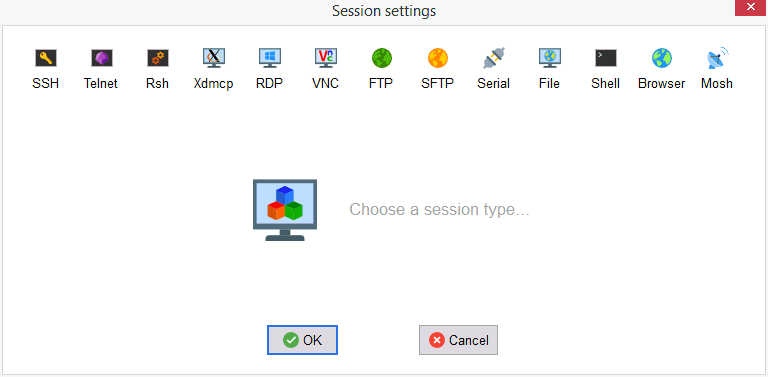
All your network tools in one app: Rdp, Vnc, Ssh, Mosh, X11 -
Portable and light application
A single executable. No admin rights. Start it from a USB stick -
Professional application
Professional Edition is built for company security and stability
Network toolbox
SSH, Telnet, RSH, VNC, RDP, SFTP, XDMCP, Mosh and the other network tools in a single application.

X server
The embedded X server lets remote programs draw on your Windows computer.
Network security
Graphical applications and file transfers can use SSH so the path is encrypted.

Professional Edition
Professional adds unlimited sessions, the Customizer, and company licensing.

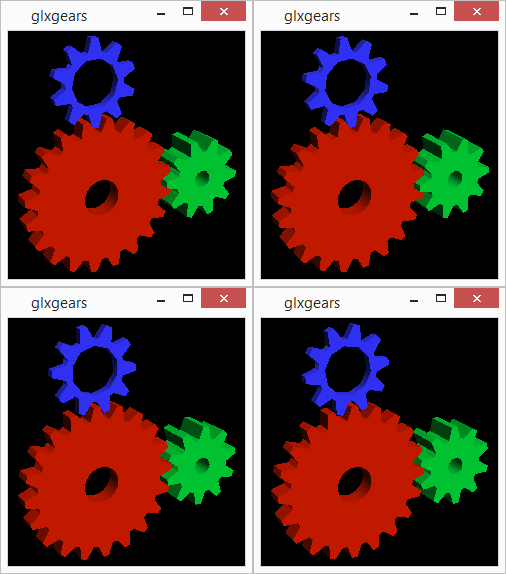
MobaXterm X server includes OpenGL, so remote applications can draw on the local Windows computer.
Because security matters on the network, use the secured protocols in MobaXterm (SSH, SFTP).
Portable version available. No administrator rights or extra libraries. You can start it from a USB drive.
Who uses it, and for what
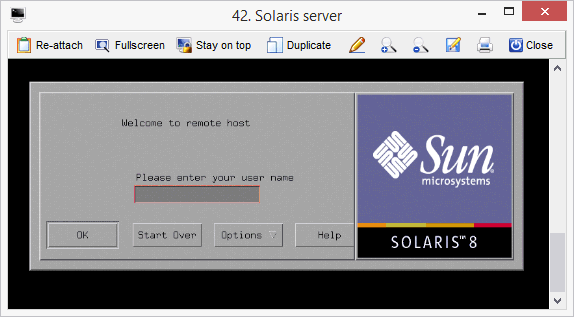
- Windows sysadmins who keep Linux, AIX or Solaris boxes in one session tree.
- Developers who SSH in, then edit remote files in MobaTextEditor instead of copying them down.
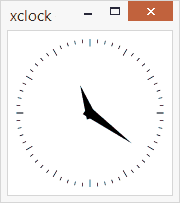
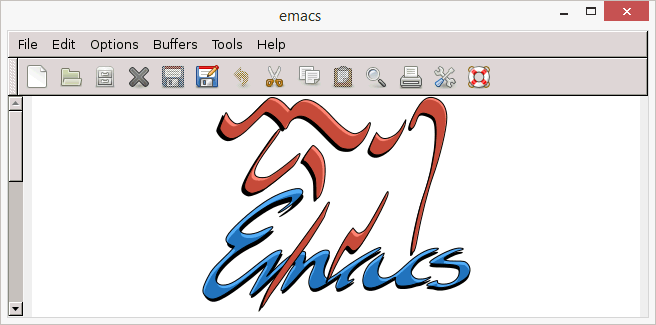
- People who need a remote Emacs, xclock or other X11 window on the Windows desktop without a second X server.
- Staff who carry a Portable edition on a USB key between approved machines.
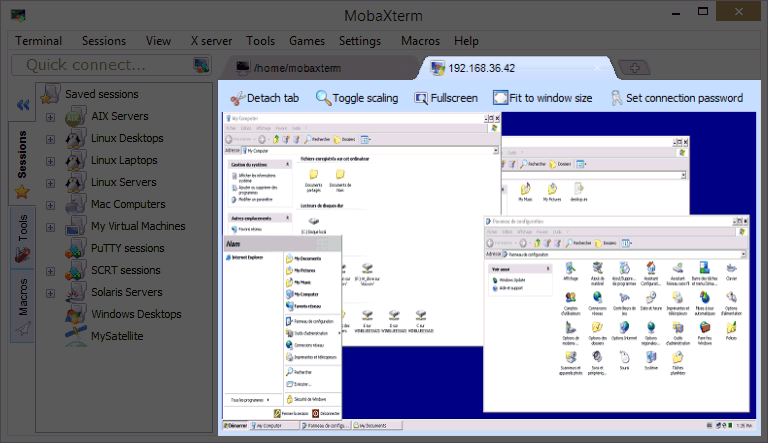
- Operators who open RDP or VNC next to SSH instead of switching programs.
MobaXterm compared with nearby tools
| Capability | MobaXterm | PuTTY | Standalone X server |
|---|---|---|---|
| SSH / Telnet / serial | Yes, tabbed | Yes, one window per session | No |
| Graphical SFTP browser | Opens with SSH | PSCP / PSFTP separate | No |
| X11 forwarding | Embedded X.org | Needs an external X server | Local display only |
| RDP / VNC / XDMCP | In the same session manager | No | XDMCP on some products |
| Unix commands on Windows | bash, grep, awk, rsync, MobApt | No | No |
| Home Edition limits | 12 sessions, 2 tunnels, 4 macros | No session cap | Varies |
MobaXterm is Windows only. On macOS or Linux most people use the system OpenSSH client instead.
Trust and edition notes
You can download and use MobaXterm Home Edition for free on a personal computer. Company use requires Professional Edition ($69 / 49€ per user), which also includes the Customizer and removes the 12-session cap.
Version 26.4 closed CVE-2026-11879 and CVE-2026-11967 (DLL loading at startup). Home Edition v26.5 (2026-09-11) is the current stable package. Download buttons on this site use # placeholders until the owner pastes the final file URLs. Softonic lists a 4.4 / 5 score from 328 ratings on its catalog page.
What people actually say
The Softonic editor likes the Portable edition on locked-down PCs, and also notes the interface is dense. New users can feel lost among the panels.
cooper911 on SourceForge (2025-08-12): the embedded text editor is the part used every day for files on the PC.
Slant users like tabs and the X server, then mention the occasional stall and that split panes block tab switching until you unsplit.
Home Edition stops at 12 saved sessions. That is the usual reason labs move to Professional, not missing SSH.
One SoftwareSuggest write-up used it to reach a Raspberry Pi from a PC. Large session counts were called slower than a single PuTTY window.
"In a rather small executable it brings SSH, public keys, X11-Forwarding, multi-tabs and a graphical SFTP browser." Softonic user, 2012.
The Softonic editor likes the Portable edition on locked-down PCs, and also notes the interface is dense. New users can feel lost among the panels.
cooper911 on SourceForge (2025-08-12): the embedded text editor is the part used every day for files on the PC.
Slant users like tabs and the X server, then mention the occasional stall and that split panes block tab switching until you unsplit.
Home Edition stops at 12 saved sessions. That is the usual reason labs move to Professional, not missing SSH.
One SoftwareSuggest write-up used it to reach a Raspberry Pi from a PC. Large session counts were called slower than a single PuTTY window.
Short answers
MobaXterm Home Edition is free for personal use. If you use it inside a company, you need MobaXterm Professional Edition.
Get Home Edition v26.5
Portable and Installer builds for Windows. Version notes and checksum guidance live on the download page.
Download for Windows